Guides
New to Evertree? Farming Camp guides cover the chore-and-points loop, classes, controls, saves and the early decisions that put your team on top of the ranking.
Introduction
Guides are where Evertree Farming Camp stops being a list of tasks and starts behaving like a system you can plan around. Each track unpacks one layer of the game: the points loop that converts camp chores and missions into team points, the morning route that decides how your first day unfolds, the split between class time and chore time, and the settings that make either controller or keyboard play feel right. Everything here feeds the same outcome the whole camp is chasing, which is a strong ranking heading into the final evaluation and a shot at the Evertree Farmer title. New arrivals and demo graduates alike use these tracks to replace guesswork with a routine they can repeat, adjust, and refine as rival campers raise the bar across the season.
System Breakdowns for Smarter Camp Days
| Track | Focus | When To Use | Priority |
|---|---|---|---|
| Beginner Path | First-week route | Opening days | New |
| Points & Ranking | Team point loop | Every session | Active |
| Controls & Settings | Input & comfort | Setup phase | A |
| Progression | Classes vs chores | Mid-campaign | S |
Guide Tracks
Beginner Path
A day-by-day opening route that turns first-week confusion into repeatable habits.
Points & Ranking
How camp chores, missions, and minigames stack into team points and ranking movement.
Controls & Settings
Controller and keyboard layouts, remapping, and comfort options worth fixing on day one.
Progression
Balancing camp classes against paid chores across the whole contest calendar, week by week.
Core Mechanics
A guide track works by mirroring the order the game itself introduces its systems. The first track maps the daily chore list against the mission board so you can see which actions pay points immediately and which only pay off later through skill growth. Class sessions are treated as a scheduling constraint: attending raises your farming skills, but the hours spent in class are hours not spent on paid chores, so the track lays out a default split you can bend. Minigames such as pest elimination, wood chopping, and cooking appear as burst windows, short high-attention blocks that reward preparation done beforehand. Points from all of these sources roll into team points, the ranking refreshes, and the guide flags which levers move that ranking fastest at each stage of the camp calendar.
Advantages
The strength of this guide structure is that it respects a cozy pace without leaving you guessing. Rather than a checklist that spoils discovery, each track explains why a choice works, so you can deviate knowingly instead of by accident. Because the game lets you save anytime and backs those saves with Steam Cloud, you can test a route: run an aggressive points day, watch how the ranking responds, and reload if the trade-off went against you. The tracks also separate one-time setup advice, such as controls and display settings, from repeating routines like the daily schedule and class balance, so you read setup once and revisit only the seasonal sections. Early reviews have responded well to how approachable the systems feel, and these tracks keep that accessibility while adding the depth stronger campers want.
Challenges
The same structure that helps beginners can quietly hurt you if you treat it as law. The camp reacts to your choices, since dialogue options steer relationships toward multiple endings and rival campers do not follow your script, so a rigid route breaks the moment the game diverges from it. Over-optimizing the first day is its own trap: squeezing every point out of opening hours often means skipping the classes that compound skill growth across the whole contest. Guides also age between the free demo and the full release, because later systems unlock progressively and demo-era habits may not transfer cleanly. Keyboard players sometimes copy controller-centric advice verbatim, and players who ignore the save-anytime system end up locked into decisions they could have reconsidered. Read these tracks as frameworks, not commandments.
Frequently Asked Questions
Should I follow a guide on my very first playthrough?+
Do these guides still apply if I only played the free demo?+
How do guides handle dialogue choices and multiple endings?+
Quick Tips
Map your first morning before you touch a single tool. Walk the farm, read the mission board, and note which camp chores refresh daily versus which are one-off tasks. Spend the early hours on activities that teach the controls, attend your first class before the afternoon window closes, then bank whatever points the introductory missions offer. Do not chase ranking on day one, chase understanding instead. Save before you end the session so tomorrow's route starts from a clean and deliberate state rather than a pile of half-finished intentions.
Treat class hours and chore hours as a budget with two competing columns. Classes raise farming skills that pay off across the whole contest, while chores convert immediately into points for the ranking. A workable default is to secure daily class attendance first, then fill the remaining window with the highest-value chores available, and to flip that ratio only when the final evaluation approaches and raw points matter more than skill growth. Check the ranking after each day, and if rivals gain while you coast, rebalance tomorrow's schedule instead of panicking tonight.
Set up input before you settle into routine. Test both controller and keyboard layouts in the opening minutes, remap anything that feels awkward, and confirm that text speed, camera behavior, and accessibility options suit you, since changing these later means relearning muscle memory. Then build the habit of saving: the game supports save-anytime with Steam Cloud, so create a manual save before classes, before minigames you find punishing, and before any dialogue choice that feels consequential. A fresh save at each decision point costs seconds and protects whole endings.
Featured
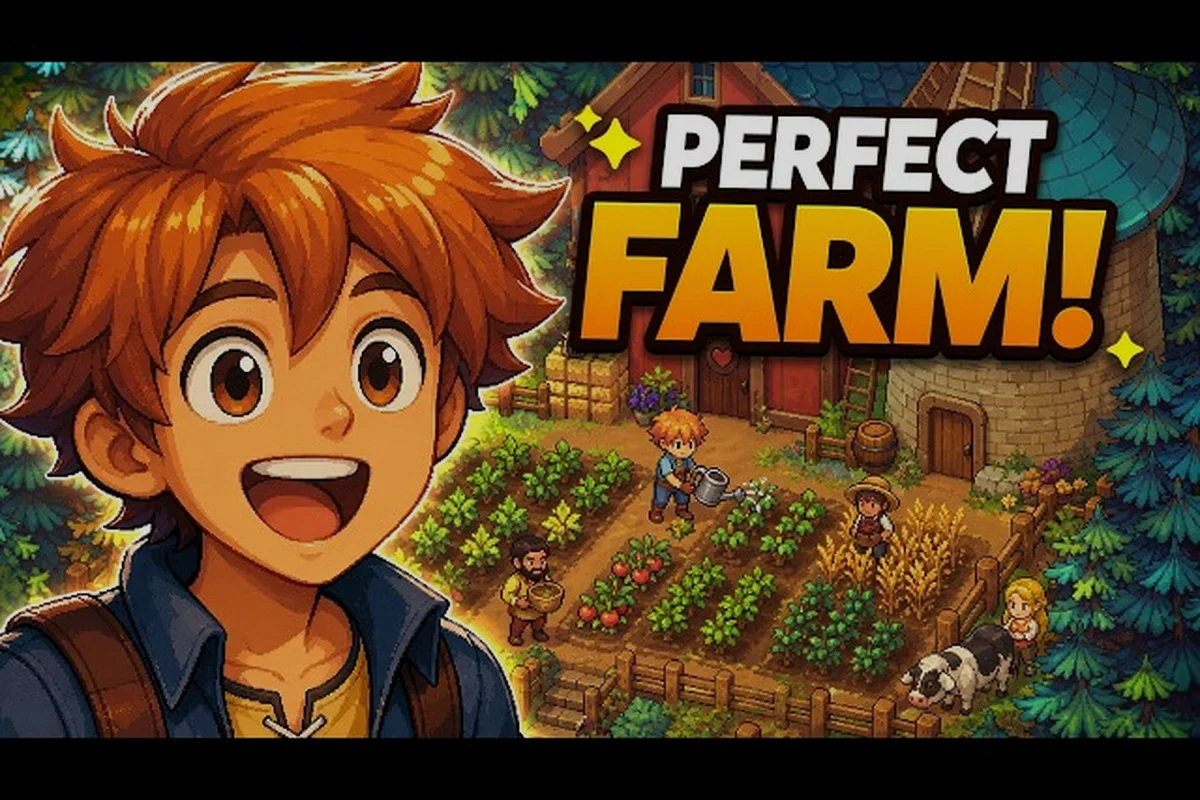
Farming Camp Beginner Guide: First Steps on Your Cozy Farm
Start your Farming Camp beginner guide journey with the essentials — learn core controls, seed your first crops, and meet the campers on this hand-drawn cozy farm.
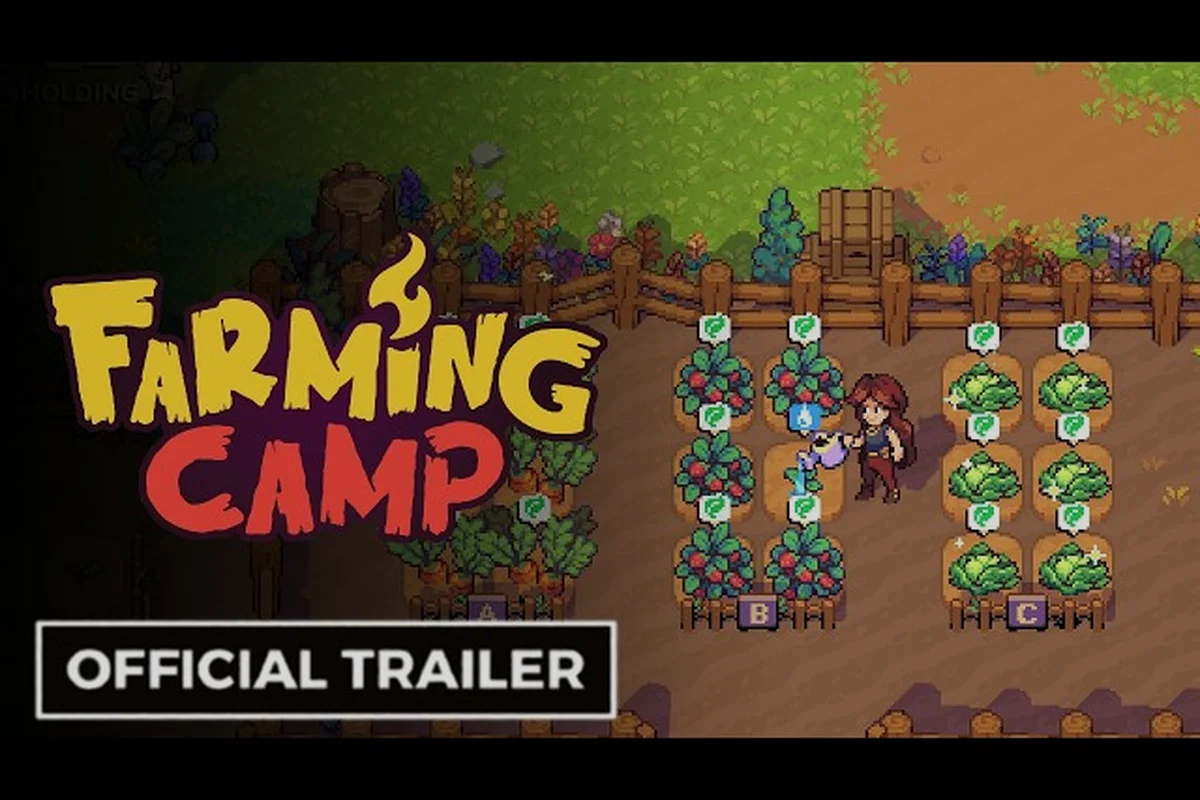
Farming Camp Gameplay Overview: Mechanics & Best Strategies
A clear Farming Camp gameplay overview covering the farm loop, animal care, mini-games, and the best strategies for building steady income at Evertree.
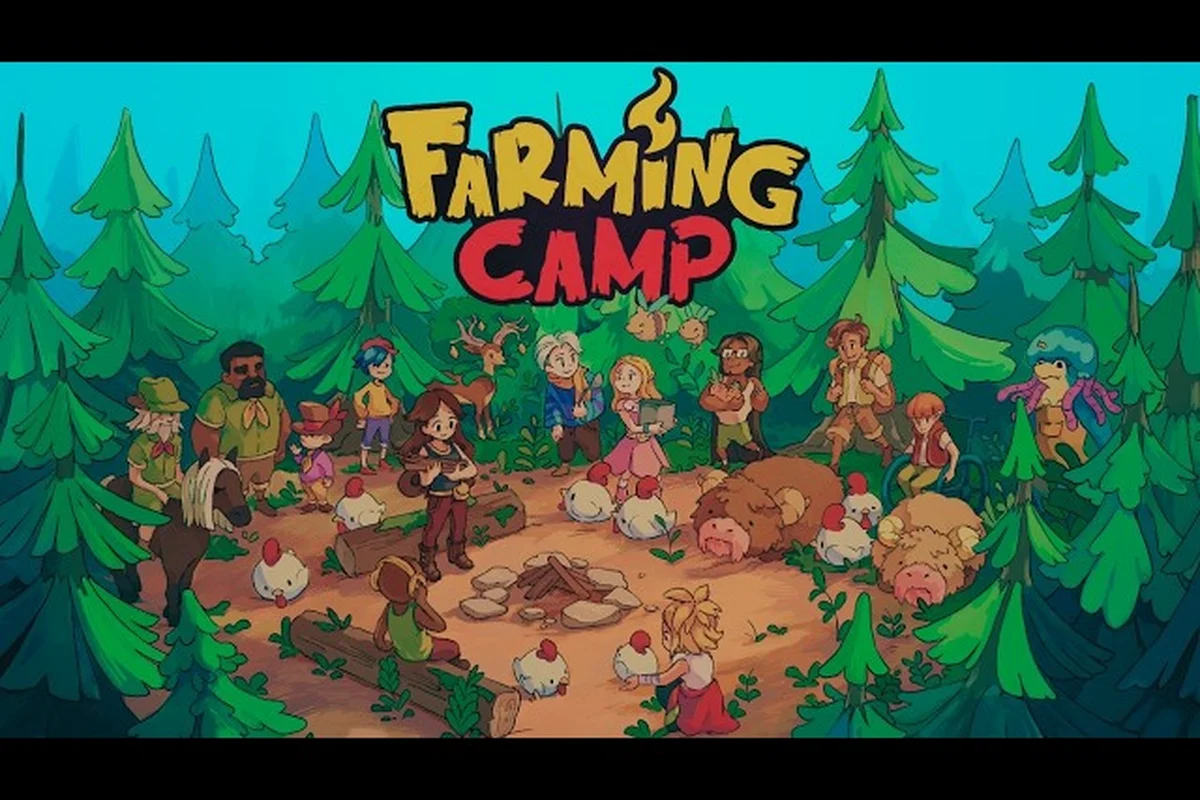
Farming Camp Early Game Guide: Build a Daily Routine Fast
Get ahead in Farming Camp with an early game guide to the daily routine — learn how chores, points, and camper tasks stack into fast progression.
All Articles

Farming Camp Tools Guide: Controls, Controller & Steam Deck
Master every Farming Camp tool and control — set up your gamepad, map Steam Deck buttons, and learn which inputs make the farm loop feel effortless.
Farming Camp How to Earn Money: Inventory & Evertree Farm Tips
Earn more money in Farming Camp by selling smart, managing a limited inventory, and using the best Evertree Farm tricks to keep your wallet growing.
Farming Camp How to Win the Competition: Classes, Contests & Tips
Win every Farming Camp cooking competition with tips on the four contests, ranking system rewards, and the best class to pick for first place.
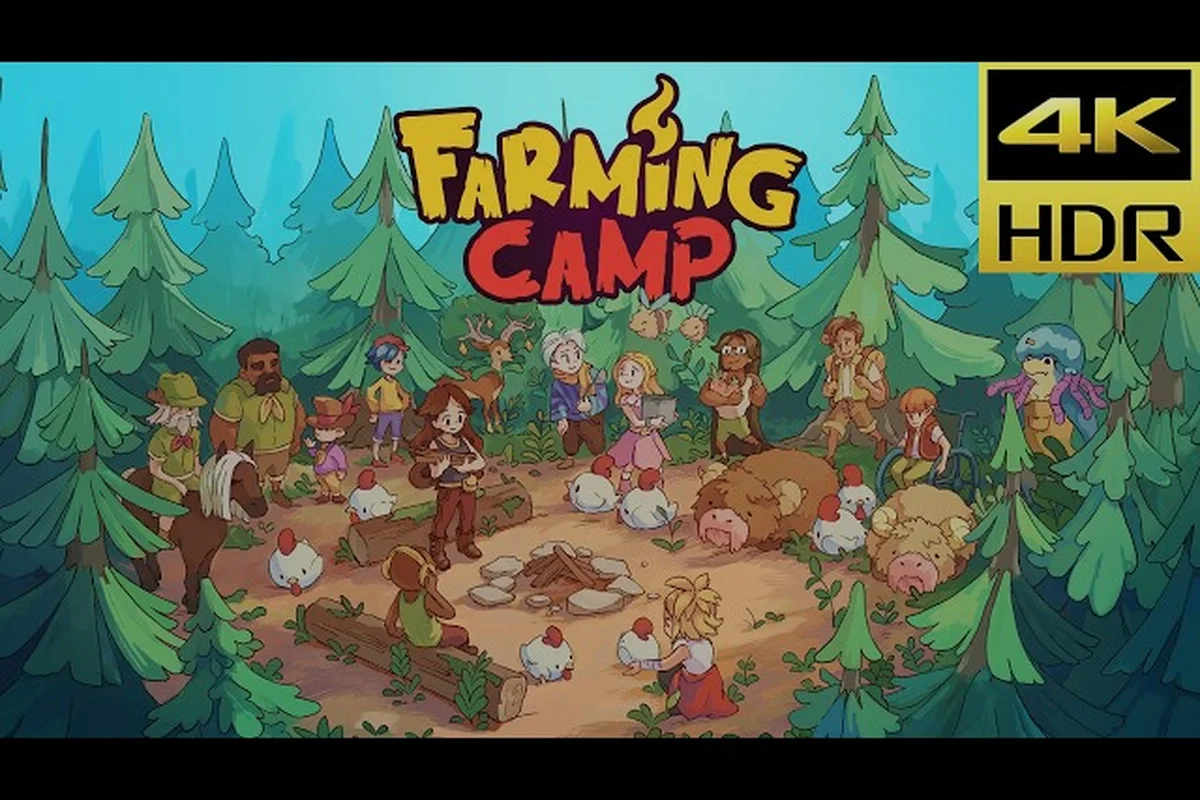
Farming Camp Progression Guide: Tips, Roadmap & Review
Follow the Farming Camp progression guide — a tips-packed roadmap from first day to late-game mastery, shaped by what real players are saying in reviews.
Farming Camp Save System Guide: Unlock Everything Safely
A practical Farming Camp save system guide covering Steam, PS5, Xbox, and Switch cloud saves, manual backup habits, and how to protect every achievement run.
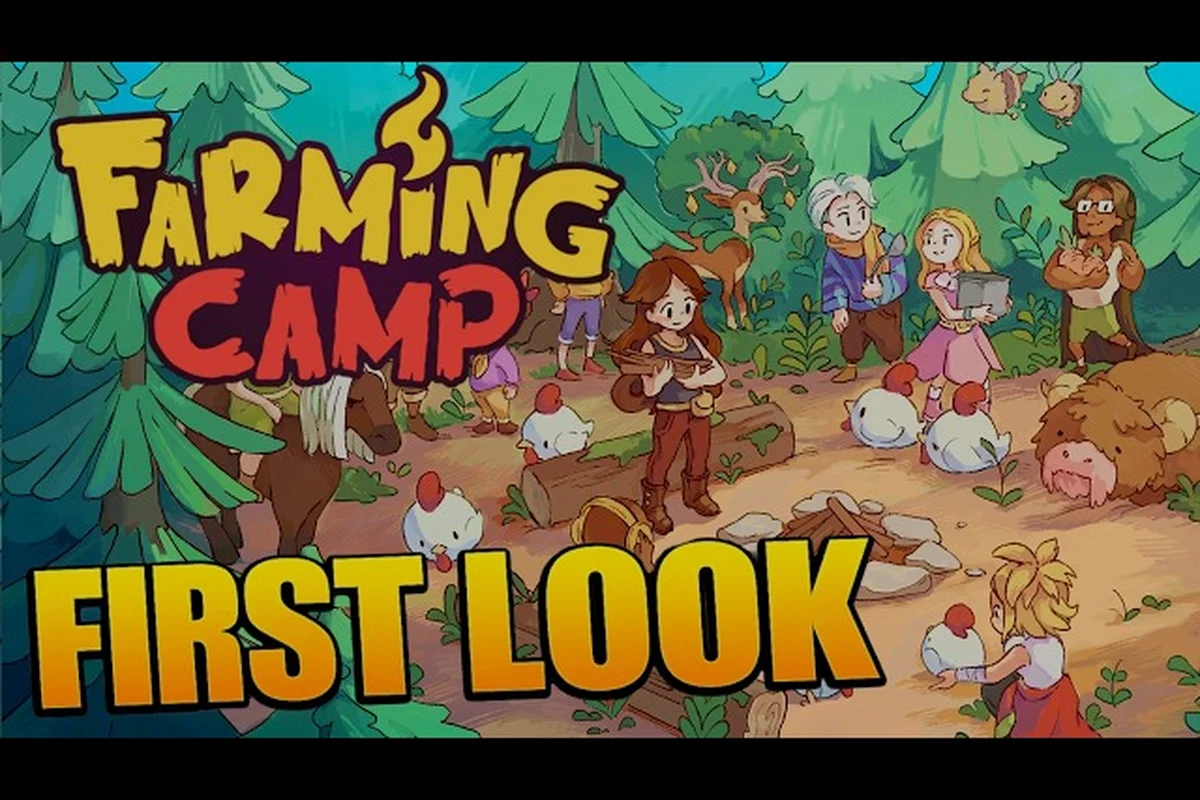
Farming Camp How Long to Beat: Playtime, Specs & Story Hours
Find out Farming Camp how long to beat with story hours, full playtime, and the PC and console specs you need to run it smoothly.
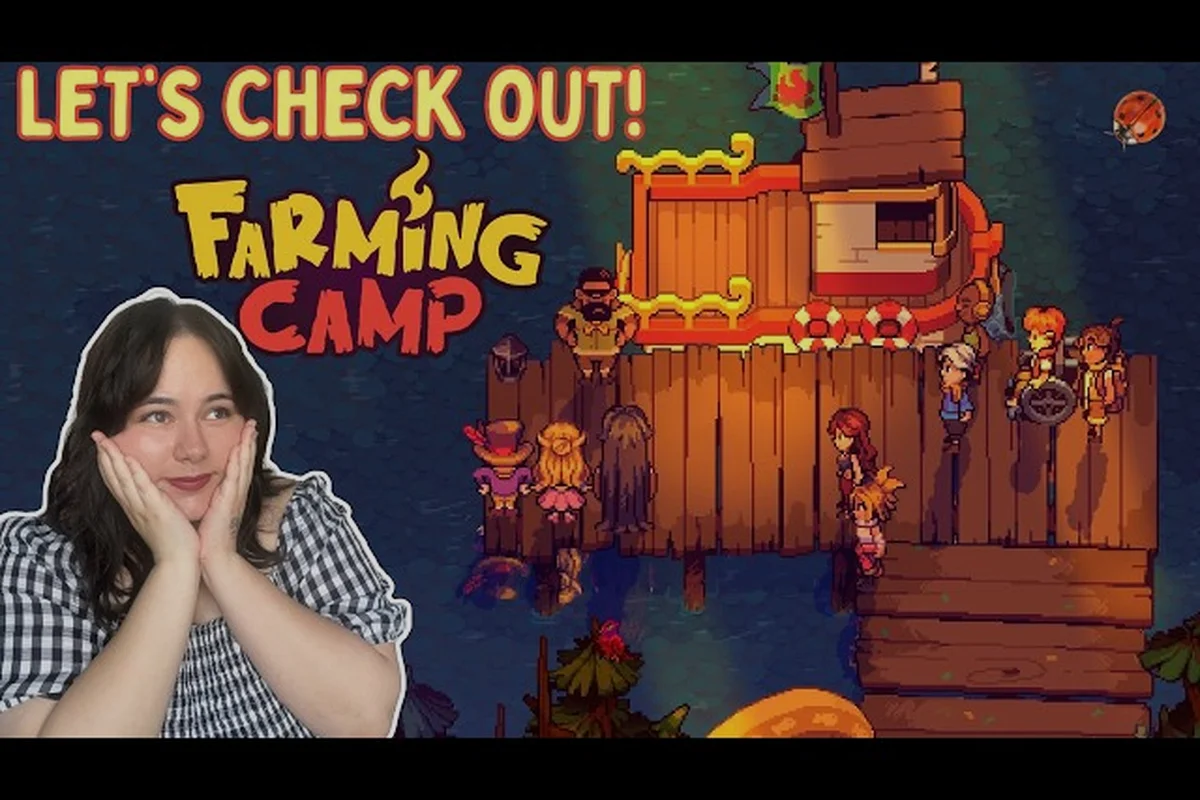
Farming Camp Similar Games and Common New Player Mistakes
Explore Farming Camp similar games on the cozy farm sim shelf and learn the common new player mistakes to skip before you plant your first seeds.